Editing Guide
resources
LIGHTROOM & PHOTOSHOP
Download Creative Cloud first, log-in, and download Lightroom Classic (LrC) & Photoshop (PS) from there.
email: thelocalfolkestudio.info@gmail.com
password: KodakPortra800
AFTERSHOOT
N/A
PIXIESET
https://galleries.pixieset.com/collections
email: thelocalfolke.studio@gmail.com
password: KodakVision500T
Tutorials
LIGHTROOM BASICS
https://www.youtube.com/watch?v=5x3Hy7zie94
style references
@josevilla
@sammblake
@annaroussos
@namasaweddings

About The Local Folke
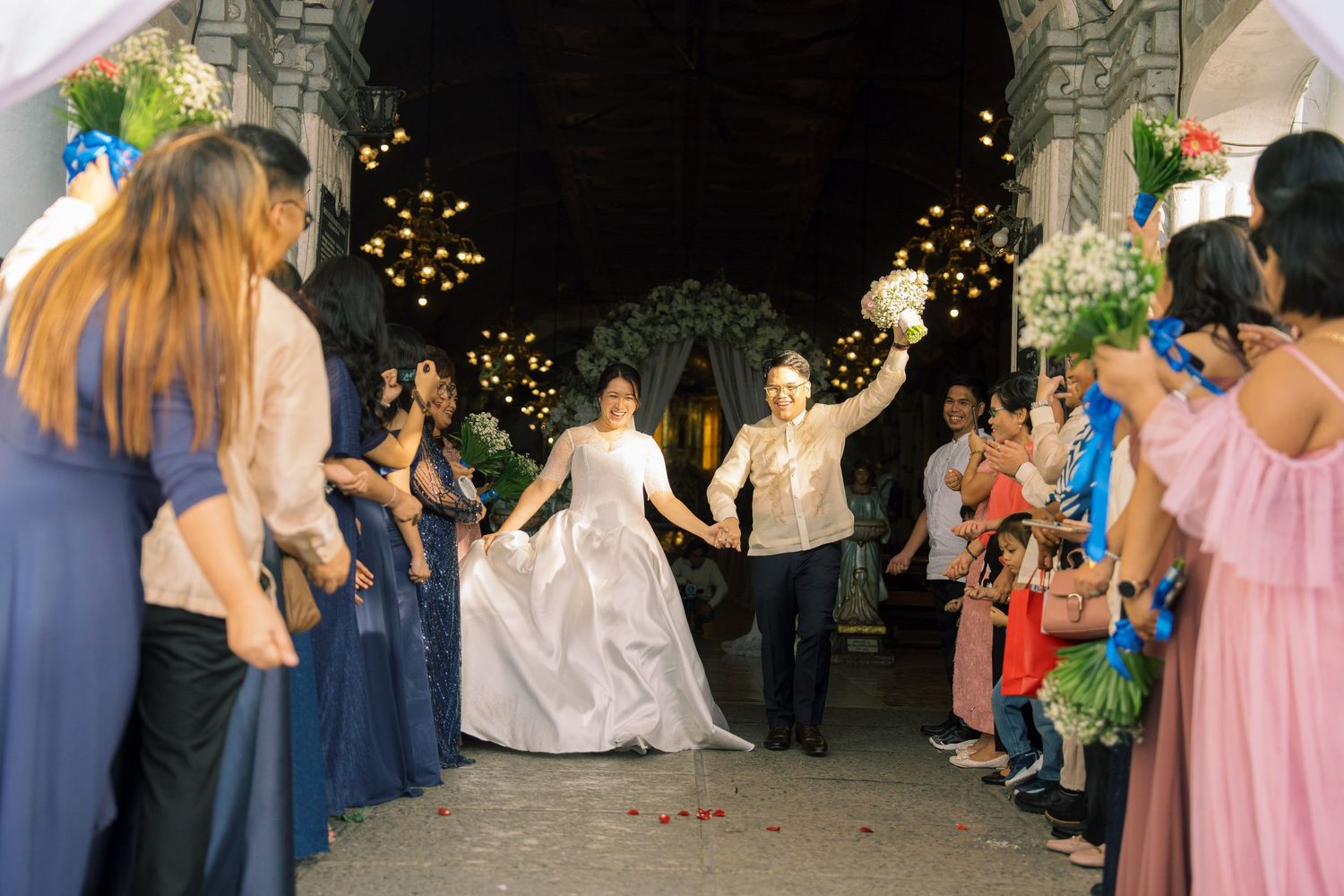
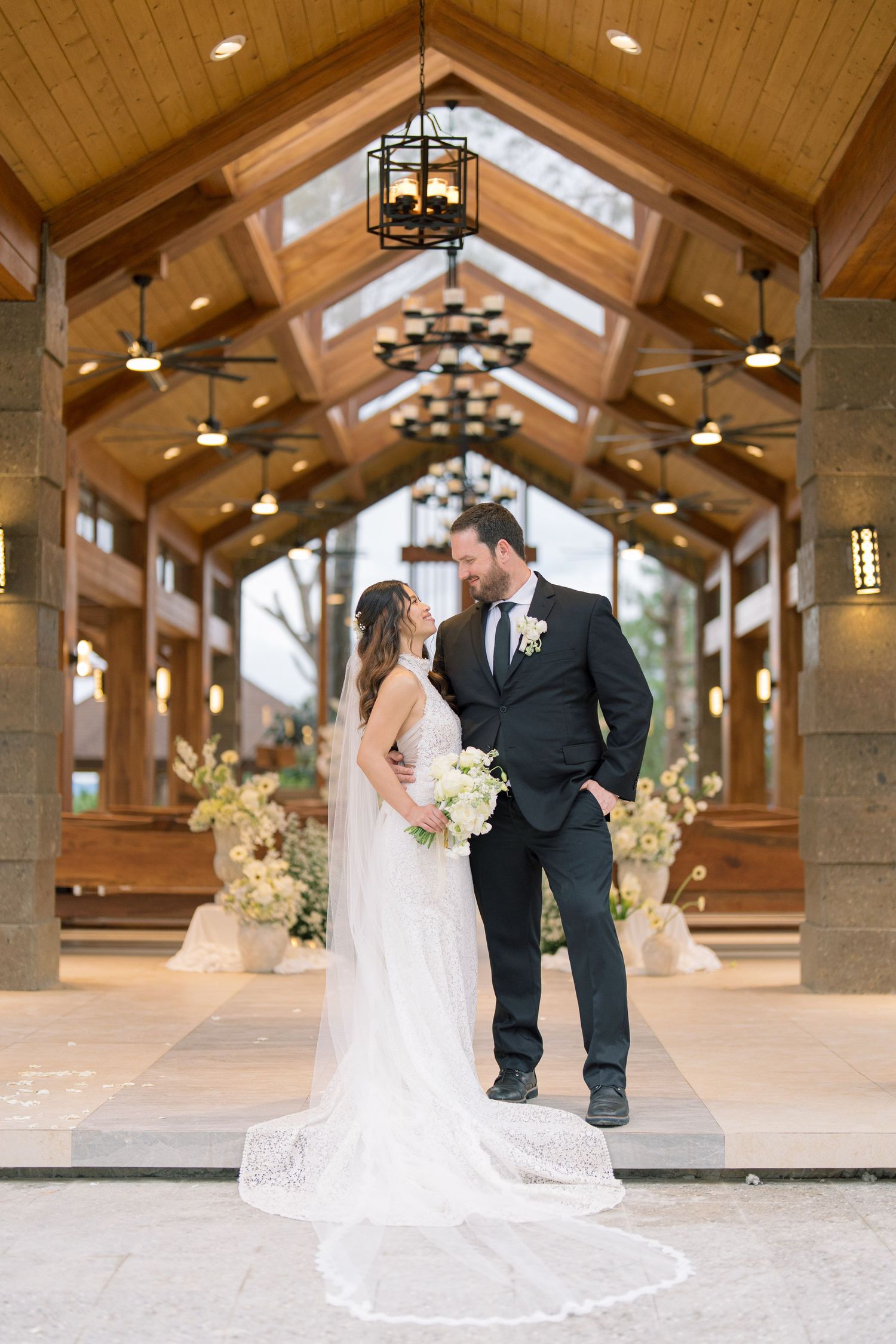
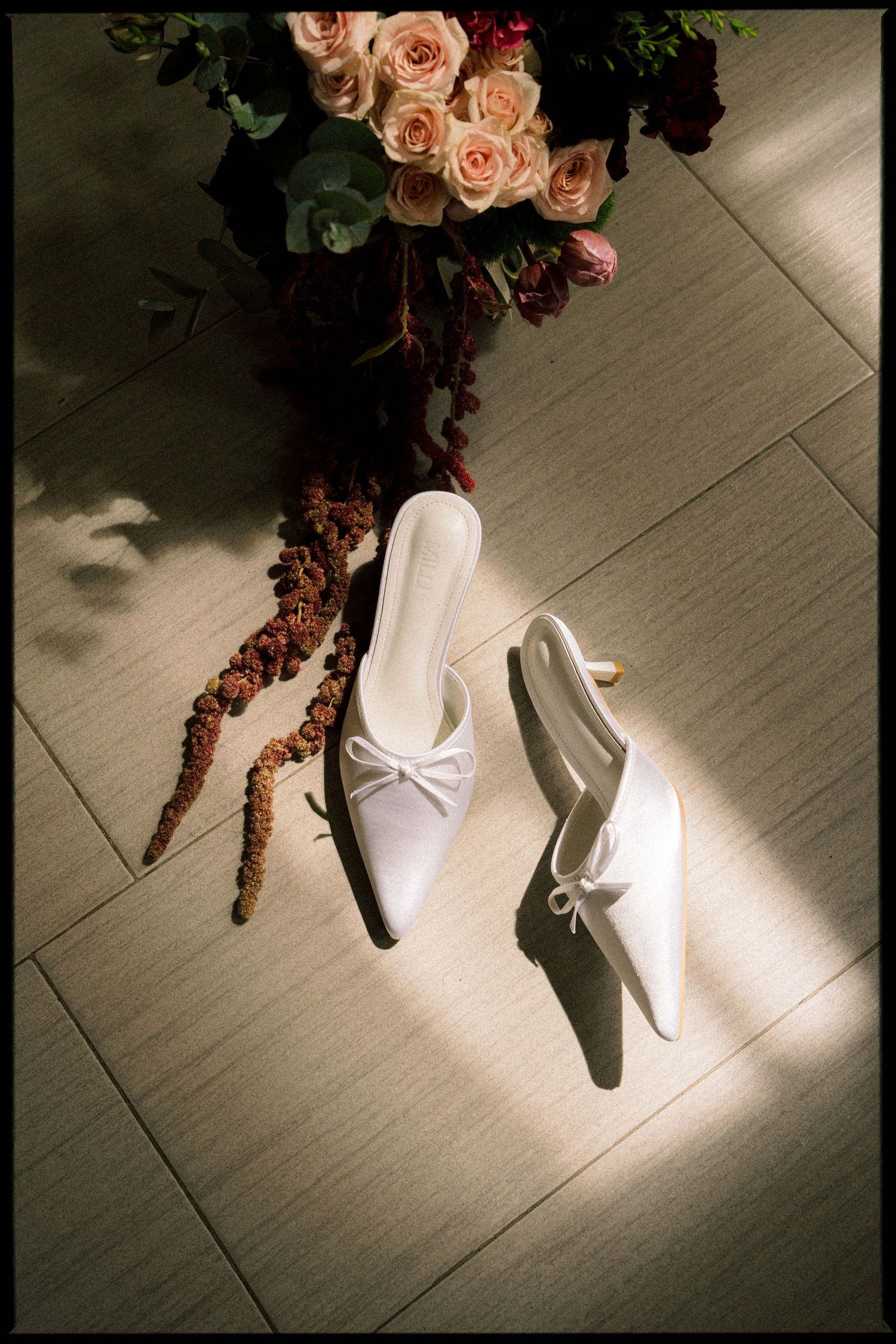
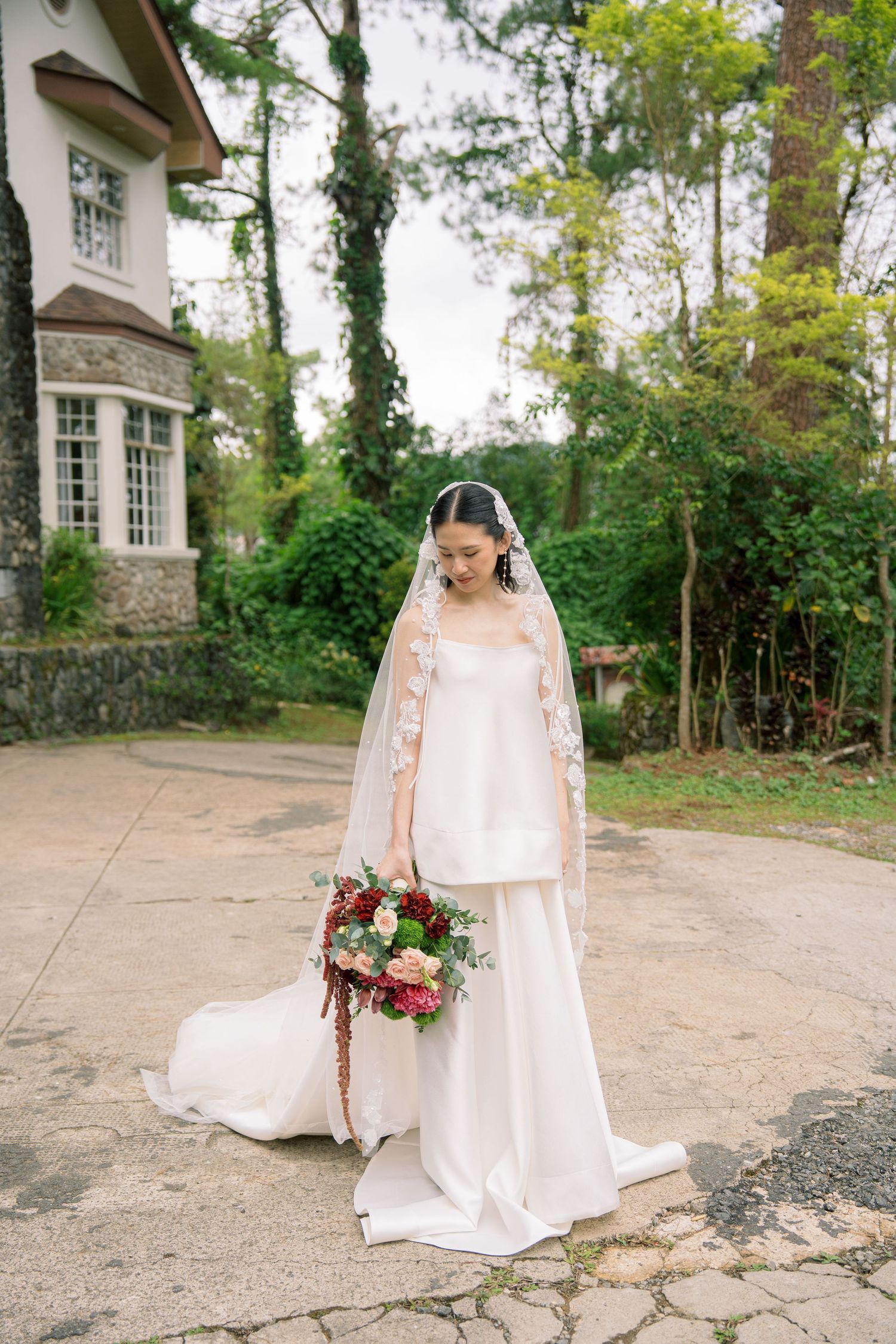
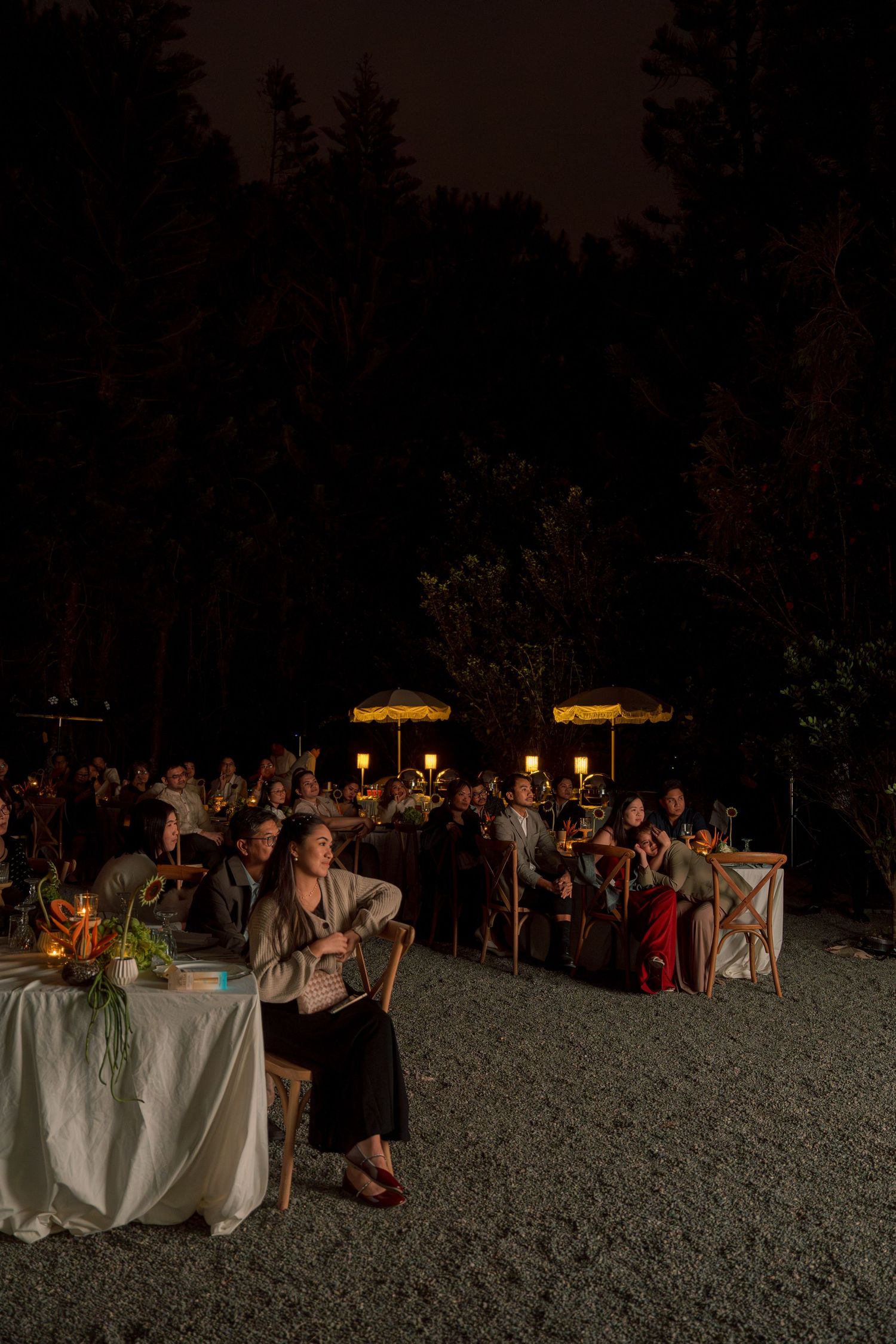
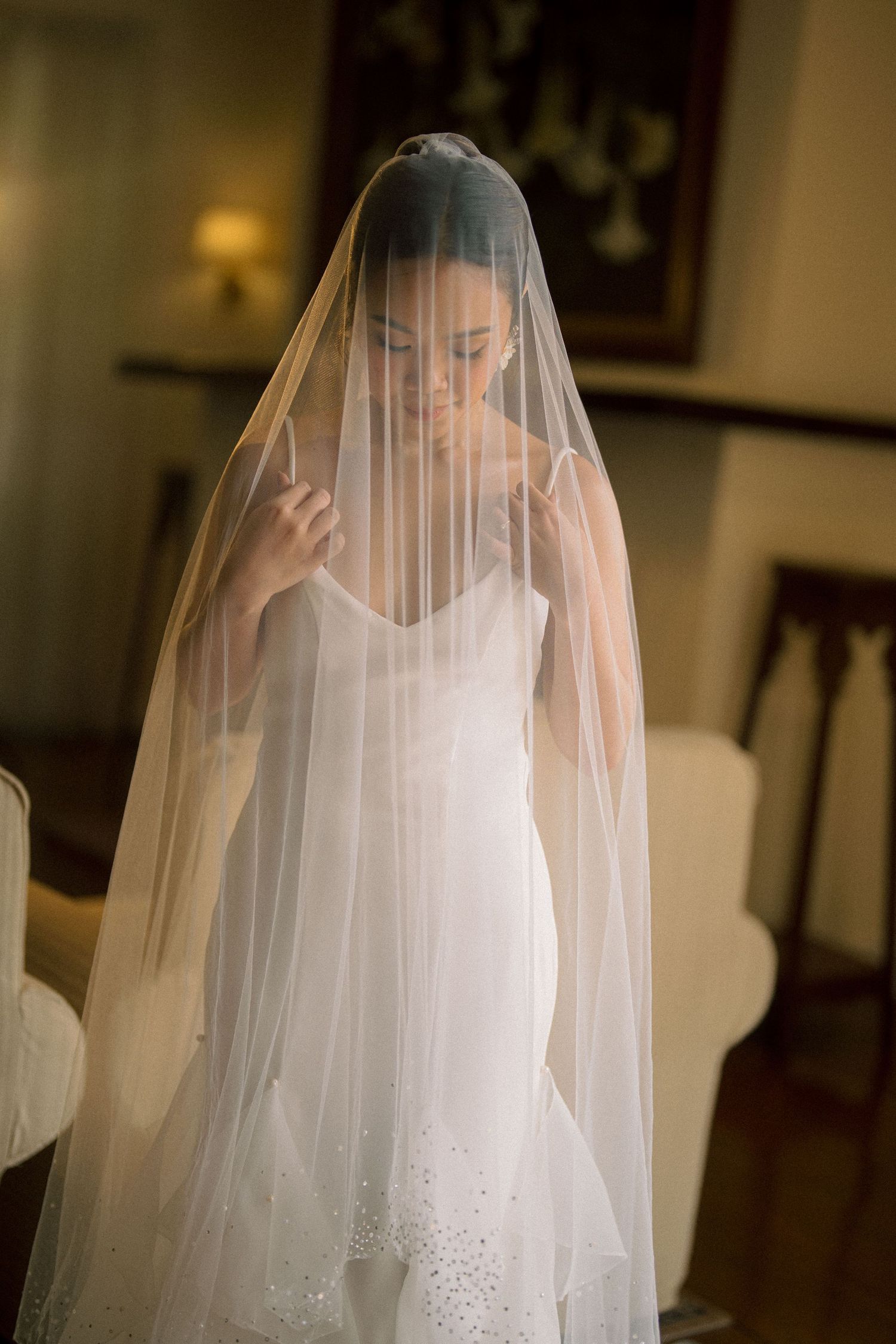
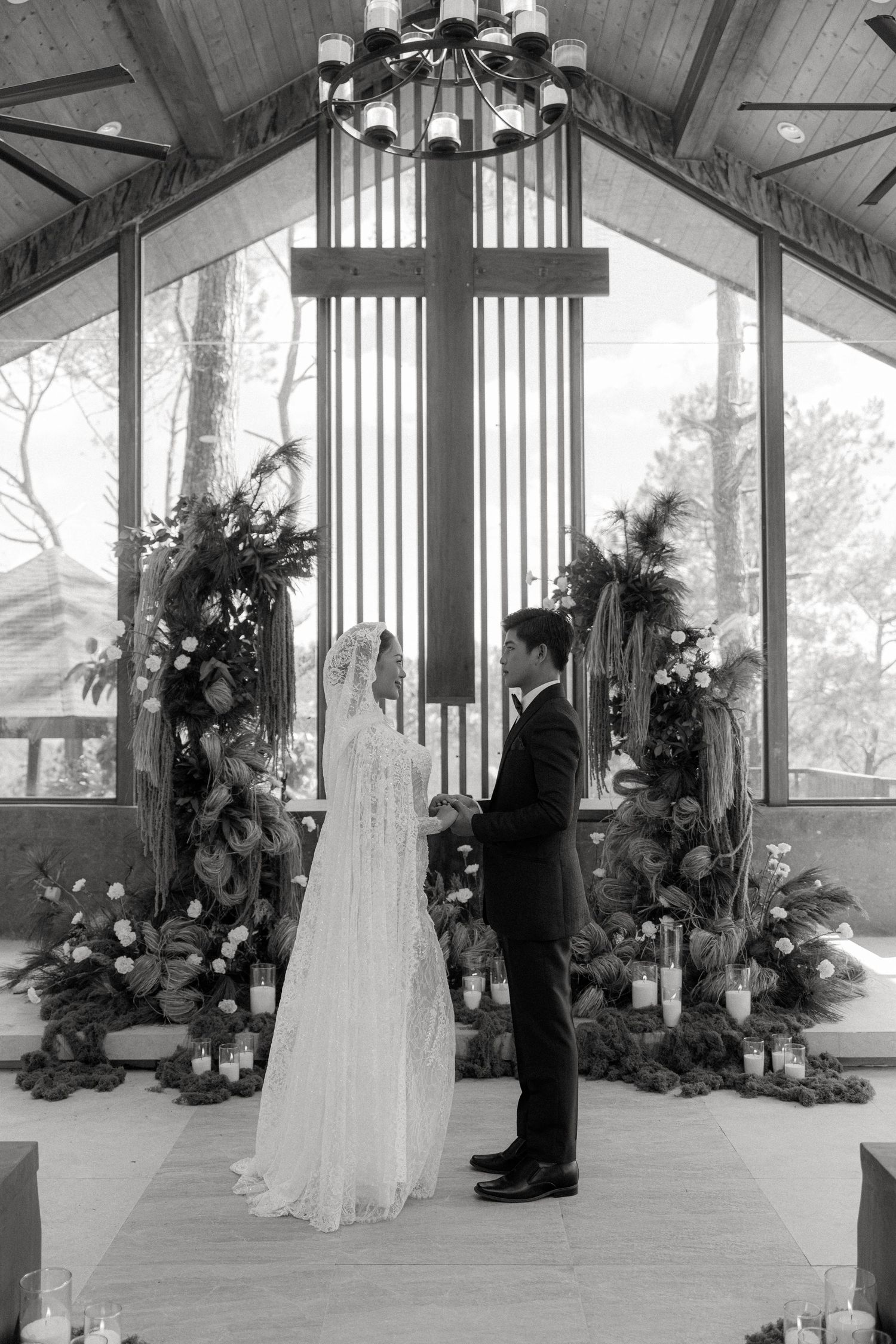
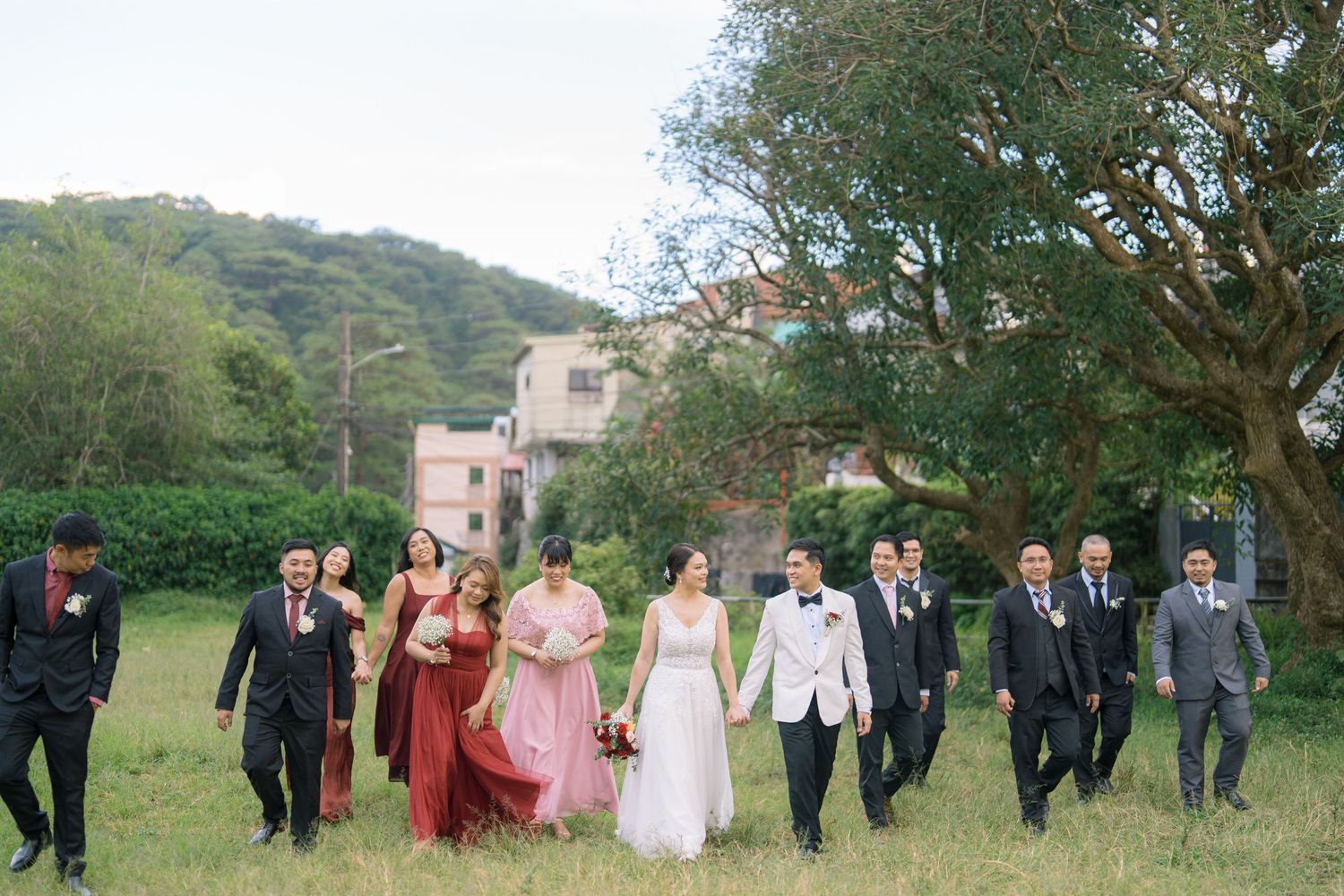
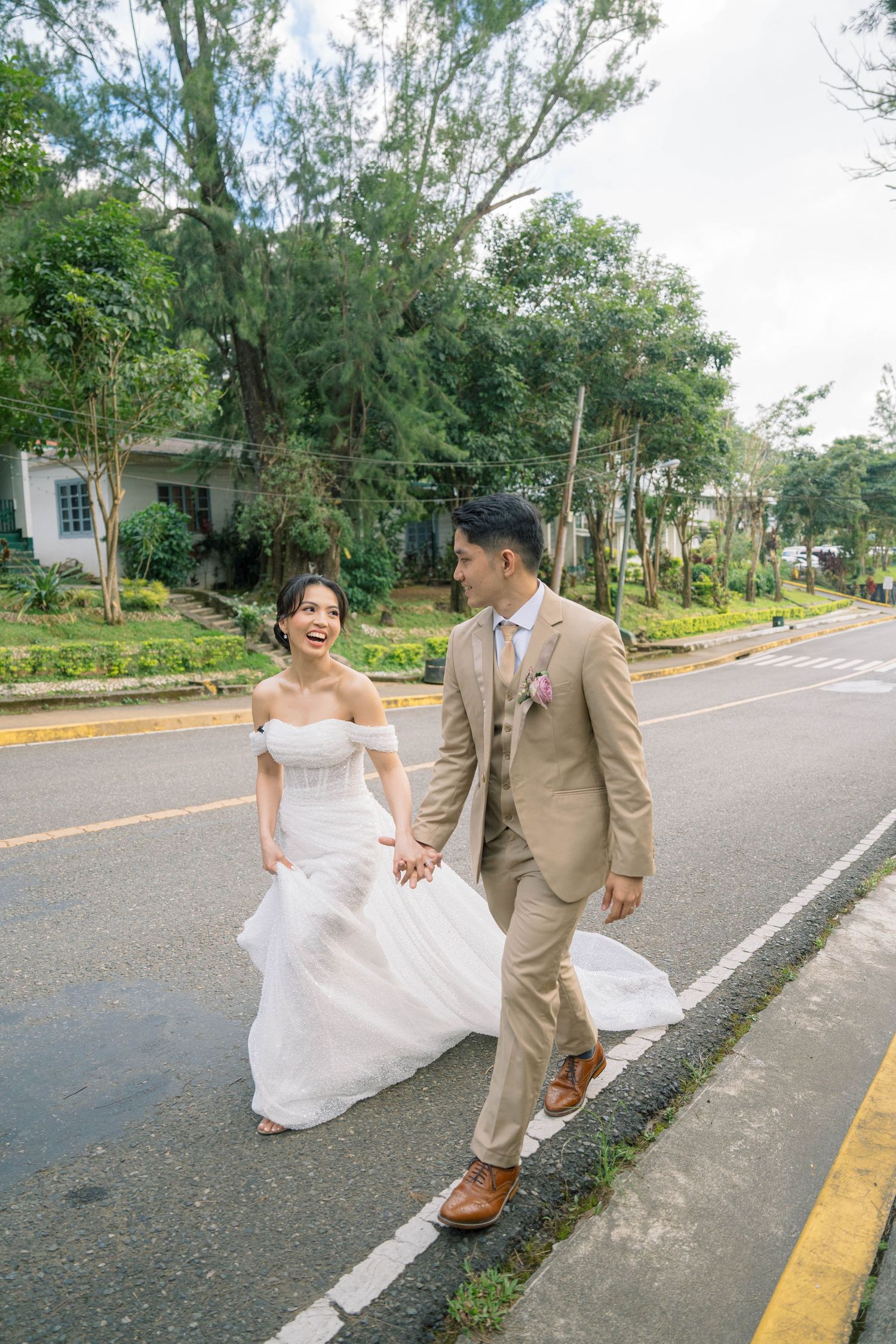
To describe the editing colors, I'd say it's like a "no make-up make-up look" except it's for color editing. So basically, "no-edit edit" haha. But we all know how it's challenging for make-up artists to do.
It's clean, yet vibrant but not over-saturated. It's like remembering the photos in a different, more refined light.
What's in this presentation
Here’s what’s for you
Treat this presentation as an introduction on what editing for The Local Folke would be like. Hopefully, you'd be able to get a gist of the workflow and gage if a photo editing career with us is something you would consider.
the post-processing workflow
after the wedding
Data back-up
This step happens right after the wedding day. Creating around 3 copies of the photos is crucial to avoid any lost file problems in the future.
2nd step
Culling
The least amusing part, but the better you choose the photos, the more it will determine the speed of the next part
part 3
Color-grading/Editing
The most crucial part of the post-processing. Here you give the photos the color it deserves to tell the story.
delivery
Uploading & 2nd Back-up
Photos will be uploaded to an online gallery provider, and the final back-up of the photos.
In hindsight



part 3: Color-grading/editing
1
Batch-applying preset/s.
We have a ready presets that does most of the magic of the colors.
2
Tweaking & 2nd Culling
adjusting the sliders to the amount a photo needs.
As tweaking happens, photos will eventually won't make the cut even after culling because sometimes you can only see the beauty once it's color-graded.
3
Retouching
with Lightroom's AI tools, you can remove object (ex. wires, speaker, face in the background) easily. This is an important part that is an unseen effort we do that our clients would appreciate if they notice. But I notice very quickly XD
4
Encore
This is the final step where you skim through the final selected and edited photos and tweak to perfection before sending in.
Tasks
- Download and Log-In
- Watch Tutorial and discover Lightroom
- Trial edit photos provided
- Follow and review reference photographers